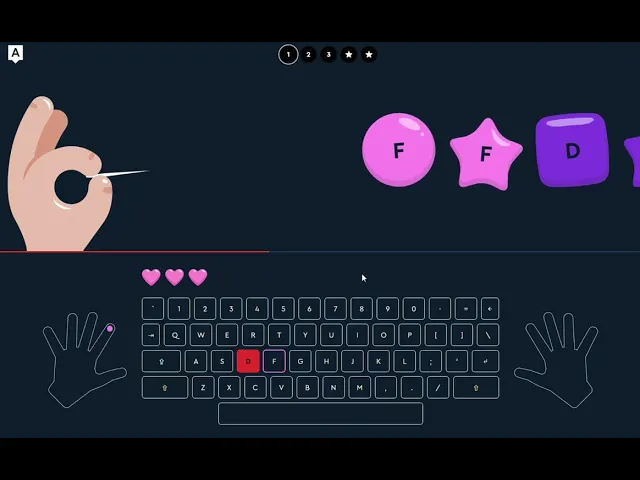
Digital Literacy
01
Age: 7 years
02
Program length: 36 sessions
04
Class format: Private 1-on-1, Group 4-6 students/class




Tools Used

SumoPaint: a web-based image editing and digital painting app, popular for its similarity to the Adobe Photoshop interface

WPS Office: an office suite (an alternative to Microsoft Office). In this program, students use WPS Writer and WPS Presentation

Crayion Ai: an AI-powered image generation tool

Perplexity AI: an AI-powered search engine (AI answer engine).
Module 1
Module 2
Module 3
Module 4
Module 5
Module 6
Module 7
Module 8
Digital Start: Mouse, Keyboard, and File System
L1. First Steps: Getting to Know the Computer
L2. Print, Delete, Copy
L3. Digital Observatory
L4. Saving Mechanical Animals
L5. Digital City
L6. Technical Workshop
Outcome: Students practice mouse skills through game-based activities, get introduced to the keyboard, learn basic typing, and master working with files and folders.